There are two options to edit more than 200 rows in SQL Management Studio 2008
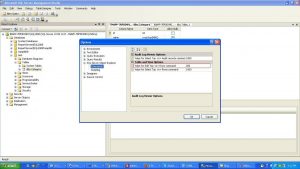
Option 1-changing the setting of 200 rows permanently:
Tools–>options–>SQL Server object explorer –>Commands
Edit “Change Value for Edit Top <n> Rows Command”
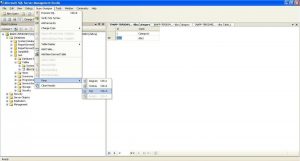
Option 2-changing the setting of 200 rows temporarily:
Right-click Table–>click on Edit Top 200 Rows –>New Query window will be opened.
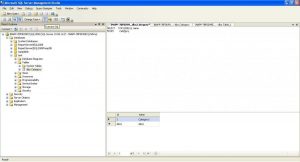
You can change the SELECT TOP (n) statement.
After changing it, click on the red exclamation mark (!) to update the selection.
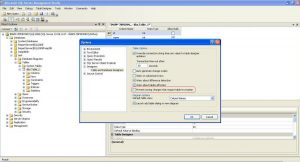
Disable “Prevent saving changes that require the table to be re-created”
By default, Microsoft SQL Server Management Studio has the option “Prevent saving changes that require the table to be re-created” enabled. This causes an error when you want to save changes to a table that require the table to be dropped and re-created.
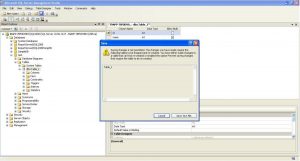
To turn off the setting, go to (on the menu bar) Tools/Options/Designers/Table and Database Designers, then under the Table Options section, uncheck Prevent saving changes that require the table to be re-created.
Have questions? Contact the technology experts at InApp to learn more.