SQL Server has two types of authentication namely,
If the Mixed mode authentication is not enabled on the server, there will be some issues.
For security reasons, the ‘sa’ account is usually disabled, as it is a well-known SQL server account and it’s often targeted by malicious users. And so, be thoughtful while enabling the ‘sa’ account. And it’s recommended that you use a strong password.
Enable mixed-mode authentication:
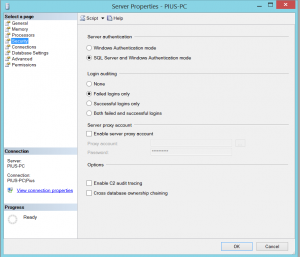
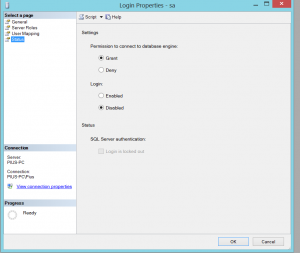
Enabling the disabled account.
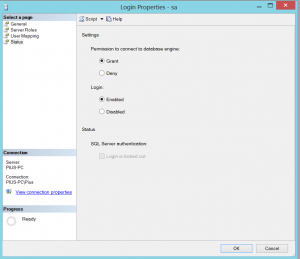
You need to check the Enabled radio button like this
Restart the server.
Another easier way of enabling ‘sa’ account and setting a password using a query as shown below.
ALTER LOGIN sa ENABLE;
GO
ALTER LOGIN sa WITH PASSWORD = ‘you new strong password’;
GO
That’s it! You have Mixed mode authentication and account enabled.
Have questions? Contact the technology experts at InApp to learn more.